 Property Listing Promotion
How to do real estate email marketing that gets showings
Zillow already emails your buyers about your new listing. What your own emails have to add, which video goes in each, and how to send it so it plays.

You already send the just-listed email. The listing goes live, you put the address in the subject line, and it goes to your buyer list before lunch.
For a buyer with a saved search, that's often the second email about the house. Zillow can send one as soon as a new listing matches their search, and if they work with an agent, that agent's MLS may have sent its own automatic email too. Both were built from the listing data, the photos and the price. Neither came from someone who has stood in the kitchen.
That changes what your email is for. The announcing has been done for you, so your email's job is to carry what the alerts can't.
What makes real estate email marketing work?
Real estate email marketing works when each email carries something an automated alert can't: your read on why the home fits, with the video tour up front. For a listing, that comes down to four moves:
1. Send up to five emails over the listing's run: coming soon, just listed, open house, price change and just sold.
2. Send each one to the buyers the house matches, not your whole database.
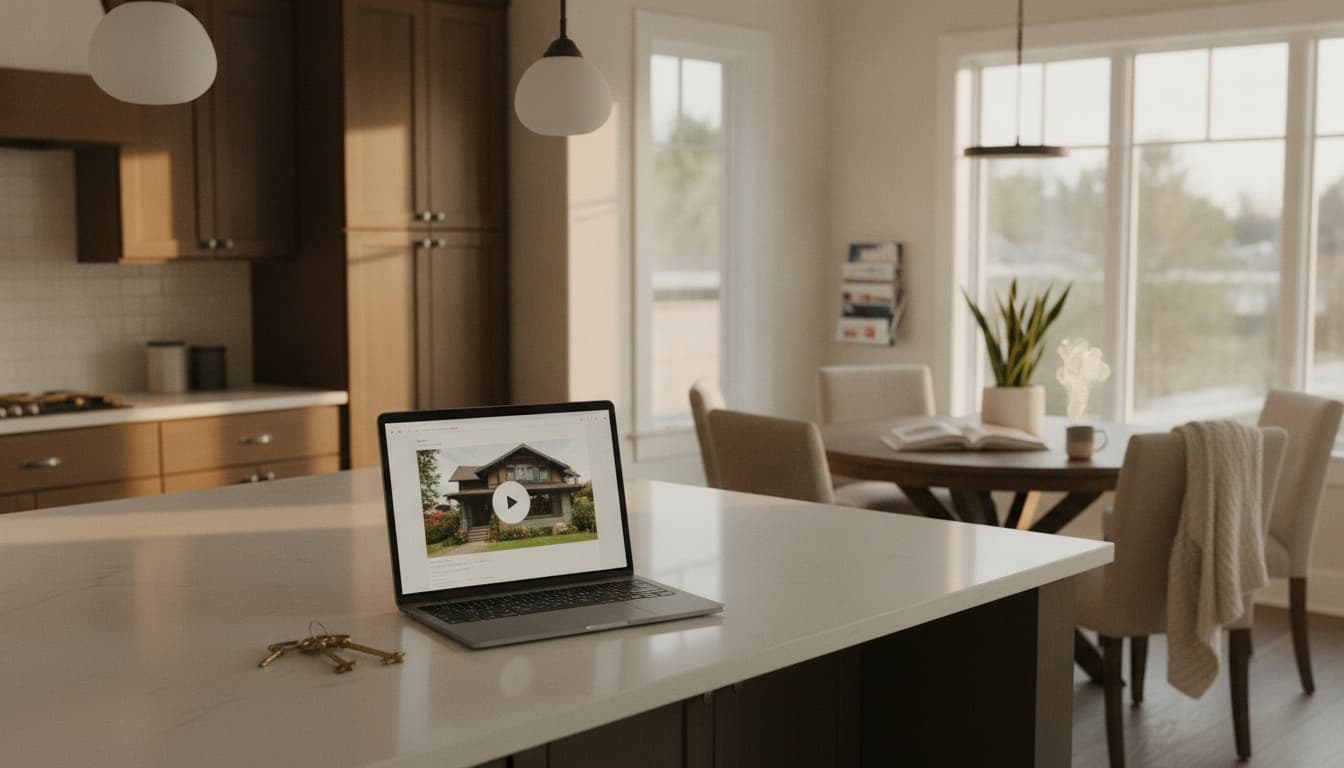
3. Put the tour behind a thumbnail that links to the listing page, because most email apps won't play an embedded video.
4. Judge each email by what buyers did after it, starting with clicks on the tour, and not by opens.
What's the difference between a listing email and a newsletter?
They do different jobs for different lists. The listing email goes to the people one particular house fits, for the few weeks it's on the market. The newsletter keeps you in front of people who already know you, which matters because in NAR's 2026 Member Profile the typical REALTOR® earned 28% of their 2025 business from repeat clients and another 22% through referrals.
This post is about the first kind. For the newsletter, pick a tool from our roundup of real estate marketing tools and send it monthly.
Two kinds of real estate email, side by side
| Listing email | Newsletter | |
|---|---|---|
| Who gets it | Buyers whose saved search or stated price, area and beds match this house | Past clients, your sphere, anyone who opted in |
| What starts it | A moment in the listing: filed, live, open house, price change, sold | The calendar |
| How often | Up to five times over the listing's run | Once a month |
| What it carries | The tour and your read on the house | Market notes, the neighborhood, your recent sales |
| When it stops | When the house sells, and the just-sold goes to your sphere | It doesn't |
We'd keep the two apart. A listing dropped into the monthly newsletter reaches mostly people who aren't buying, and a run of listings sent to your whole sphere gives them a reason to stop opening your email. How to market a property listing makes the same call: listings go to the saved-search list, and the sphere is left out. A warm group of active buyers may be better served by WhatsApp than by either email.
What has a buyer already been sent about your listing?
If they've saved a search on Zillow, there's an automatic email for most of the moments you'd write about. Zillow's own help page lists them.
A buyer who saved a search gets new matches as soon as they come in, or once a day, and the daily email is queued overnight and sent early in the morning. Anyone who saved the home gets property alerts for price changes of $1,000 or more, status changes, or open houses being scheduled. And every Friday, Zillow's Weekend Shopper email lists open houses and new listings from those searches.
Buyers who work with an agent get a second stream. MLS systems such as Matrix let that agent set up an Auto Email, which automatically generates search results and sends them on a set schedule.
What the alerts already sent, and what only your email can add
| Listing moment | What Zillow or the MLS already sent | What only you can add |
|---|---|---|
| Just listed | A saved-search email, instant or the next morning, with photos, price and beds | The tour up front, and the one thing about the house the photos don't show |
| Open house scheduled | A property alert to anyone who saved the home, and Friday's Weekend Shopper email | Why it's worth a Saturday: the two things to see in person |
| Price change | A property alert for any change of $1,000 or more | Why the price moved, and what the house now competes with |
| Pending or sold | A status-change alert to anyone who saved the home | For your sphere: what you did to sell it |
Getting there second doesn't make your email pointless. It sets the bar. If your email repeats the alert, the buyer has already read it.
Your phone buzzes with a rain alert for Saturday, and you still check the local forecaster, because the alert says rain is coming and she tells you whether to move the barbecue indoors. The portal alert is the buzz on the buyer's phone. Your listing email is the forecaster.
Which emails does a listing need, and when?
Five, each set off by a moment in the listing's run rather than by the calendar: coming soon, just listed, open house, price change and just sold. Each one adds what the matching alert didn't.
The five listing emails, and what sets each one off
When
The listing is filed in your MLS as coming soon
Use
A coming-soon email to the buyers it matches: one exterior frame, the area, and the date it goes live
It warms up the people who'll get the just-listed email, once the MLS filing makes it allowed
When
The listing goes live
Use
The just-listed email that day, with the tour behind a thumbnail and the address as the subject
The portal email has the photos. Yours has the tour and why this house fits them
When
Five days before the open house, and again the day before
Use
An open-house email with the date and time on the first frame
Five days gives people time to plan, and the day-before note catches the ones who meant to come
When
The price drops
Use
A price-change email, first to the buyers who clicked an earlier one
The alert says the number changed. Your email says what the home now competes with
When
It sells
Use
A just-sold email to your sphere, not the buyer list
The buyers have moved on, and the next seller is reading
The coming-soon email is the one with a rule attached. NAR's Clear Cooperation Policy says that within one business day of marketing a property to the public, the listing broker must submit it to the MLS, and it counts digital communications marketing (email blasts) as public marketing. So file first, then send. The board-by-board detail is in how to do a coming soon post without a fine, and the teaser itself is covered in listing teaser videos.
The open-house timing matches what we recommend for the rest of the open house, in open house marketing ideas: your buyer list hears five days out, and gets a nudge the day before.
Here's what "your read on the home" looks like in practice. An illustrative just-listed email for a made-up house:
Subject: 412 Elm St: the backyard is the house
[Tour thumbnail with a play button]
The photos make this look like a standard three-bed. Walk through and the kitchen opens straight onto a flat, fenced yard, which you don't often get at this price on this side of town. If your search has been about outdoor space, it's worth twenty minutes on Saturday.
Watch the tour · Reply with a time that works
The alert already told them it's a three-bed at that price. The email tells them why they'd care.
Short on time for the neighborhood paragraph?
Your read on the area is one of the things an alert can't send. Our free neighborhood highlights writer drafts the local highlights for a listing, with no sign-up, and you can edit them into the just-listed email.
Who should get each email?
The list the house defines, not your whole database. That means buyers whose saved search or stated price, area and beds match, plus open-house sign-ins who gave you their email knowing you'd follow up. The just-sold email is the exception, and it goes to your sphere.
Who gets the listing emails
Send to
- Your own saved-search contacts, in your MLS or CRM, whose criteria fit this houseThe portal alert may have reached them too, so your email has to add something
- Buyer leads who told you a price, area and bed count that matchEven if they never saved a search
- Open-house sign-ins who agreed to hear from youOnly if they gave you the email knowing you'd follow up
- Buyers who clicked an earlier email about this houseThey get the price-change email first
Leave off
- Your whole database, for listingsEvery mismatched listing teaches people to skip your email
- Past clients, except for the just-soldThey're in the newsletter. The just-sold gives them something to pass on
If your CRM only has names and email addresses, start with two groups you already know match: people who asked about a similar listing, and open-house sign-ins from the same area and price range. Add price, area and beds to each contact as you learn them, and the list gets more useful with every listing. If a buyer has told you they're working with another agent, send the listing to that agent instead.
A click on the tour is the signal to stop broadcasting and reply in person. We'd send a short clip of the room they asked about, with no intro card, so it reads like a reply rather than a campaign. It's the email follow-up video idea, sent to one person. If your CRM runs drip emails, make that click the trigger: it should move the buyer out of the listing emails and into a personal follow-up.
Every one of these is a commercial email, including the ones you send from your own Gmail. The FTC's CAN-SPAM guide lists a valid postal address and a working opt-out link among a sender's duties, so both go at the bottom of every listing email.
How do you put a video in a real estate email?
Link it, don't embed it. caniemail.com, which tests HTML features across email apps, puts estimated support for the video tag at about 24%, so a video embedded in the email body won't play in most of the apps it tests.
Send a still frame from the tour with a play button on it, linked to the listing page where the video plays. A short GIF cut from the tour works the same way, as long as its first frame holds up as a still. Attaching the video file is the one option to skip, since it makes the buyer download it before they see anything.
The frame has to come from somewhere. If the listing doesn't have a video yet, you can turn the listing photos into a video tour first and take the frame from that.
- 1
Pick the frame
Pause the tour on the shot that sells the house, usually the first room a buyer would walk into, and take a screenshot. Skip dark or cluttered frames: the thumbnail decides whether anyone gets to the video behind it.
- 2
Add a play button
Lay a round play icon over the middle of the frame in Canva or your email tool's image editor. Without it, the image reads as one more listing photo, and readers may not realize there's a video to click.
- 3
Link the image to the listing page
Link the image itself, not just a line of text under it, to the page where the tour plays: your listing page or the hosted video. Put the same link on a 'Watch the tour' button underneath.
- 4
Write the subject as the address
Address first, then the one reason to open, like '412 Elm St: the backyard is the house'. Give the image alt text that says what the frame shows, so the email still makes sense if the picture doesn't load.
- 5
Send a test to two inboxes
Send it to a Gmail address and to the Mail app on an iPhone, and tap the frame on both before it goes to the list.
The tour on the other side of the click has its own length question, which we answer in how long a real estate video should be.
Which video goes in which email?
Two cuts cover all five emails, and the first frame is what changes. A short clip carries the coming-soon, open-house and just-sold emails, and the full tour carries just listed and the price change. We treat the thumbnail as the email's second subject line, so each send opens on a frame the buyer hasn't seen from you yet.
One listing, two cuts, five first frames
| The cut | First frame | |
|---|---|---|
| Coming soon | Short clip, holding back the interior | The exterior, or one detail |
| Just listed | Full tour | The room that sells the house |
| Open house | Short clip | The date and time over the exterior |
| Price change | Full tour | The feature the new price makes the case for |
| Just sold | Short clip | The front of the house with the sold sign |
Every one of them links to the listing page, except coming soon and just sold, which ask for a reply.
On the open-house email, the date and time belong in the picture as well as the subject line, so the thumbnail does the job on its own. The open house promo video post covers that clip, and the listing teaser video post covers the coming-soon one.
Make both cuts from the listing photos you already have
You don't need a shoot for either cut. Dunphy turns your listing photos into a Highlight Reel, the short clip, and a Cinematic Tour for the listing page.
How do you know if a listing email worked?
Count the clicks on the tour, then the replies and showing requests that follow. Don't count opens: Apple's Mail Privacy Protection prevents senders from seeing if you've opened the email, so an open rate can't tell you who actually read it.
What to track after each listing email
Track
- Clicks on the tour thumbnailThe number that says the email did its job
- RepliesAnswer the same day, with two times they could see it
- Showing requests in the week after the sendAsk where they saw the house
- Unsubscribes per sendA jump is a sign the list was wider than the house
Ignore
- Open rateApple Mail hides it
Then put the numbers in front of your seller. A line in your weekly seller update, something like "emailed [number] matched buyers Friday, [number] watched the tour, [number] showing requests", shows them how their home is being marketed in terms they can check.
Frequently asked questions
What is the best email service for real estate agents?
Can I email people who came to my open house?
Do email blasts work for real estate agents?
How many emails should a real estate agent send each month?
Have a video tour ready for every listing email
The portal alert can send the photos and the price. Dunphy turns those listing photos into the video tour your email links to, without booking a shoot.

Written by
Matthew JohnCo-founder & CEO, Typito AI
Co-founder and CEO at Typito AI. I've been dabbling with video storytelling for 15 years and every day on the journey has been exciting. At Typito we're building Dunphy — the AI video agent for real estate — alongside the broader Typito video stack. Writing here about real-estate marketing, video, and integrity in AI-generated content.